You haven't signed in yet, you can have a better experience after signing in
*Please complete the payment within {{receiveCouponInfo.expire_at}}Previous use*
You haven't signed in yet, you can have a better experience after signing in



Activity Rules
1、Activity time:{{ info.groupon.start_at }} ~ {{ info.groupon.end_at }}。
1、Activity time:cease when sold out。
2、Validity period of the Group Buying:{{ info.groupon.expire_days * 24 }} hours。
3、Number of Group Buying:{{ info.groupon.need_count }}x。
Please Pay Attention
1、Teamwork process: Join/initiate a Group Buying and make a successful payment - Within the validity period, the number of team members meets the activity requirements - Group Buying succeeded!
2、If the number of participants cannot be met within the valid period, the group will fail, and the paid amount will be refunded in the original way.
3、The number of people required and the time of the event may vary among different products. Please pay attention to the rules of the event.
IObit Driver Booster 14 PRO - Driver Update Tool Software
Driver Booster 14 Launched, Introducing Game DLL Repair Function and Expanding to 23 Million Driver Database
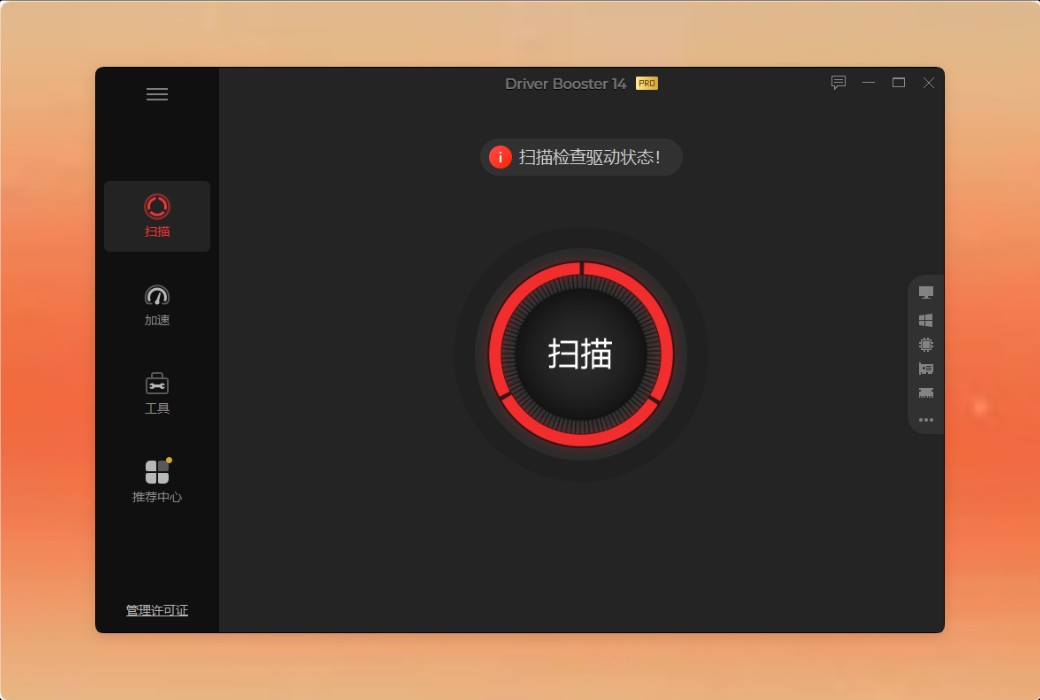
One-click Scan & Instant Driver Update
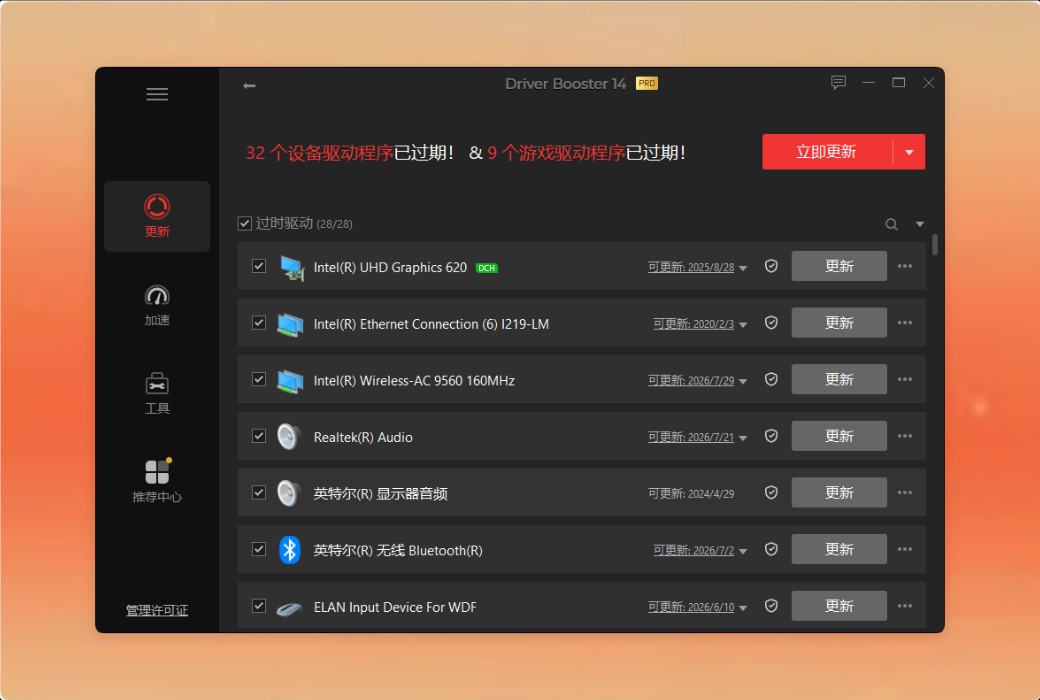
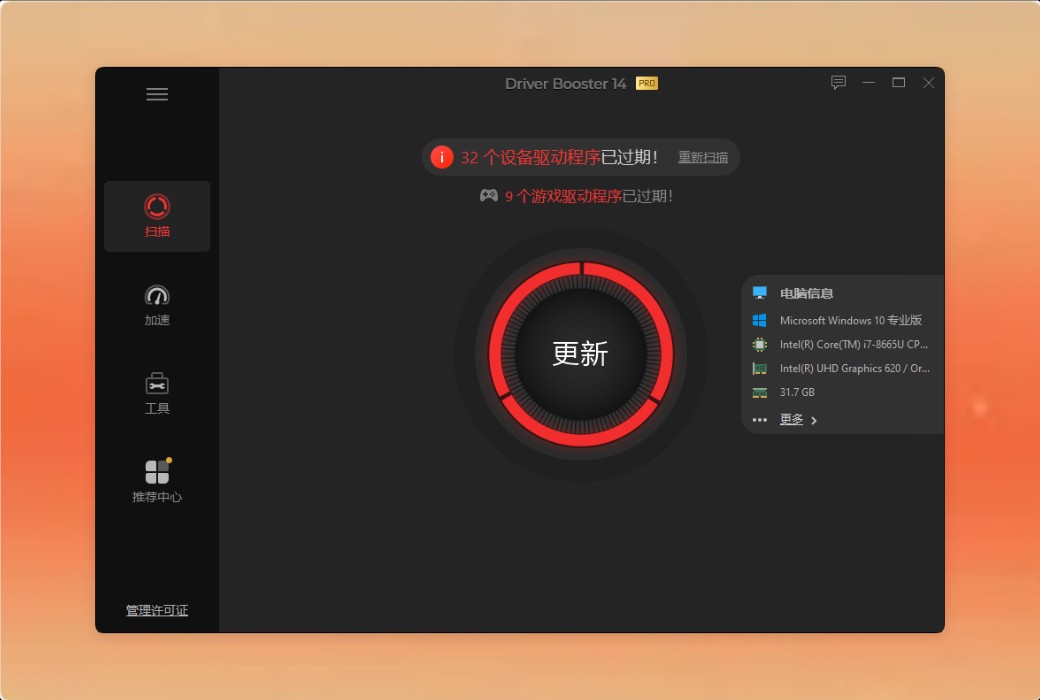
Driver Booster automatically scans your system, instantly finding the most suitable driver for each device, ensuring optimal device performance. This tool can now scan multiple versions of drivers, and you can choose one to update to get the version that best suits your system. Whether you want to update a device driver for free or perform a complete Windows driver update, Driver Booster ensures your system always runs on the best version. With just one click, you can get back to what matters most.
Driver Booster's database provides factory-certified drivers from 1,200 major brands, including INTEL, AMD, and NVIDIA. It supports multiple versions of drivers, scanning and selecting the most suitable driver to update all your device's hardware drivers - including Windows ARM64, from GeForce and other graphics card drivers to printers, audio, and more. Each driver undergoes two-step verification: Microsoft WHQL and IObit security scan, ensuring every update is safe and reliable.
Beyond Driver Updates: Enhance Your Gaming Performance
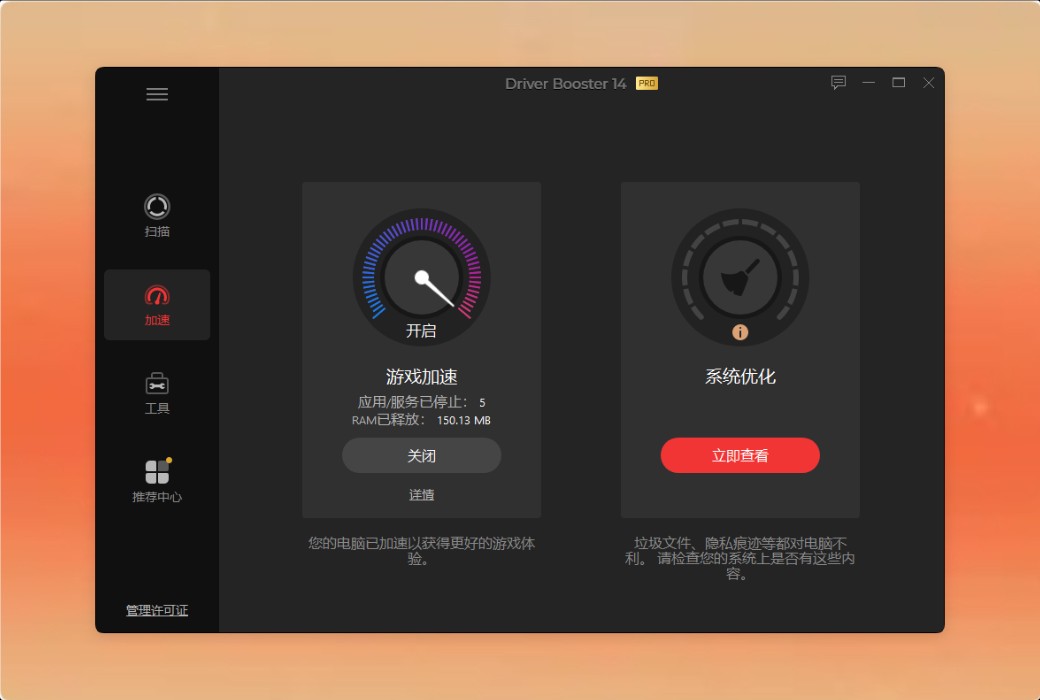
Experience extremely smooth gameplay and stunning visual effects. Driver Master is not just about updating drivers - it also optimizes your system, delivering top-notch gaming performance.
Update Game-Ready Drivers
Game-Ready Drivers mainly refer to game accelerators that provide new features, fix vulnerabilities, and enhance game performance.
.Official Website:https://www.iobit.com/en/driver-booster-pro.php
Download Center:https://iobit-driver-booster-pro.apsgo.cn
Delivery Time: Automatic delivery within 24 hours
Operating Platform: Windows
Interface Language: Supports Chinese interface display, with multiple languages available.
Update Instructions:Subscription version has unlimited updates, while the perpetual version only supports minor version updates.
Trial Before Purchase: A limited-function free trial version is available before purchase.
How to Receive Your Product: After purchase, activation information will be sent to the email address used for the order. You can also view the corresponding product activation code in your personal center, under "My Orders".
Number of Devices Supported: 1PC supports one device; 3PCs supports three devices.
Changing Computers: Uninstall on the original computer and activate on the new one.
Activation Guide: To be added.
Special Instructions: To be added.

Any question

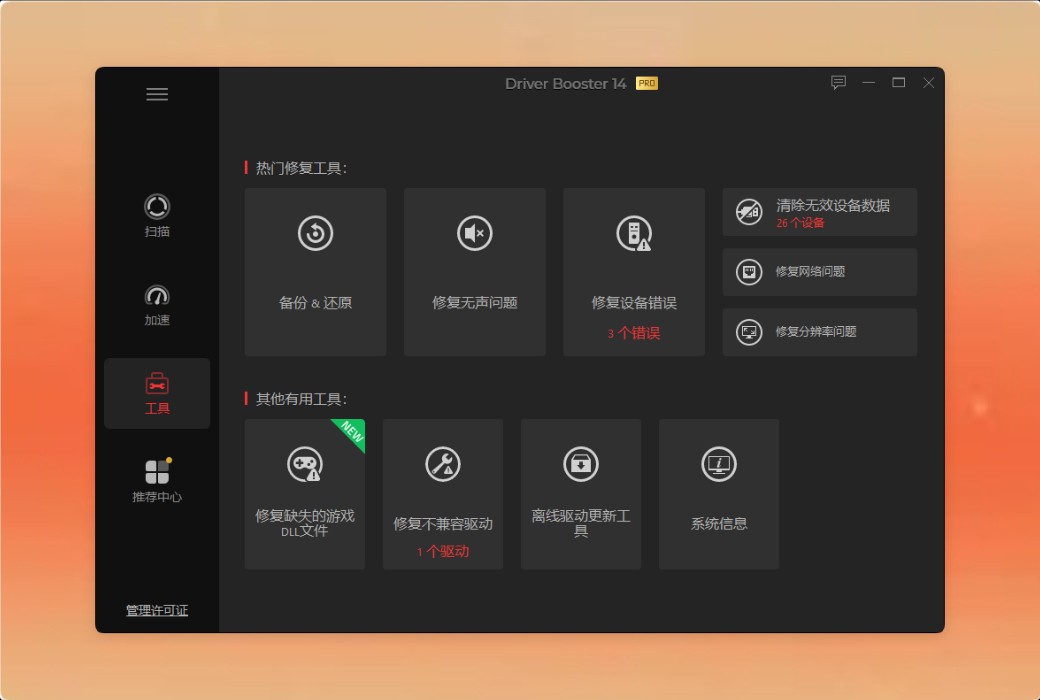
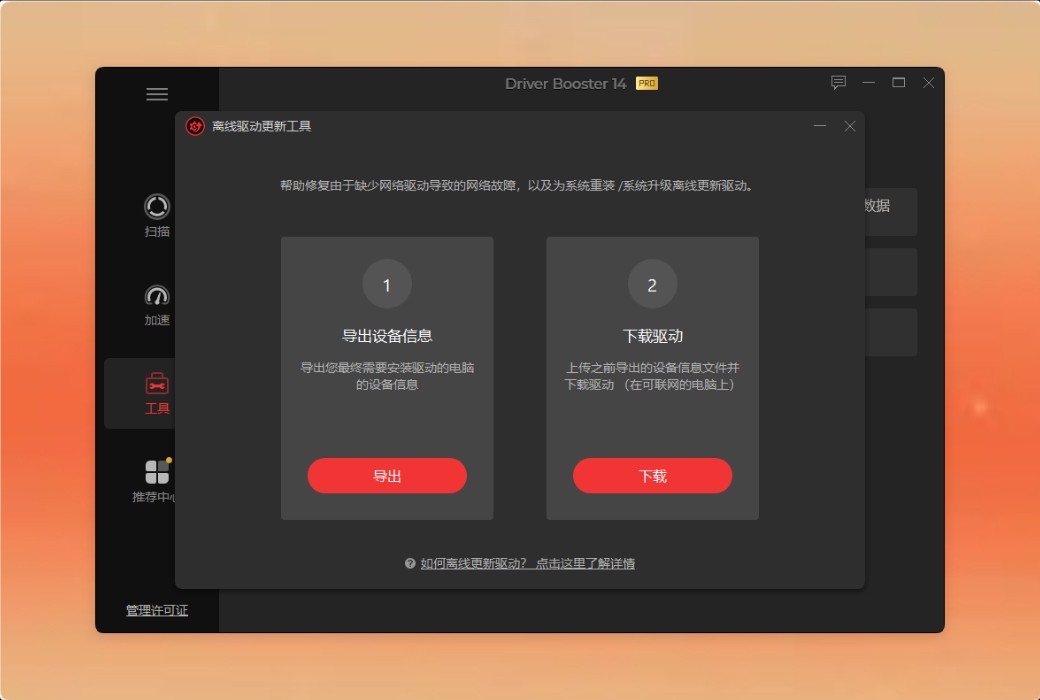
Offline Driver Updater is a new tool provided by Driver Booster V8 and above, which can help you solve the following two situations:
When you need to upgrade/reinstall the system but are unsure if the upgraded/reinstalled system has the correct drivers-This work helps to prepare all necessary drivers in advance for the upgraded/reinstalled system.
When your system is unable to connect to the network due to network driver issues-This tool can help you download and install drivers for your PC without a network connection.
Update driver for system upgrade/reinstallation
To ensure that you upgrade/reinstall your system and obtain the latest drivers in a timely manner, you can prepare the required drivers in advance according to the following steps:
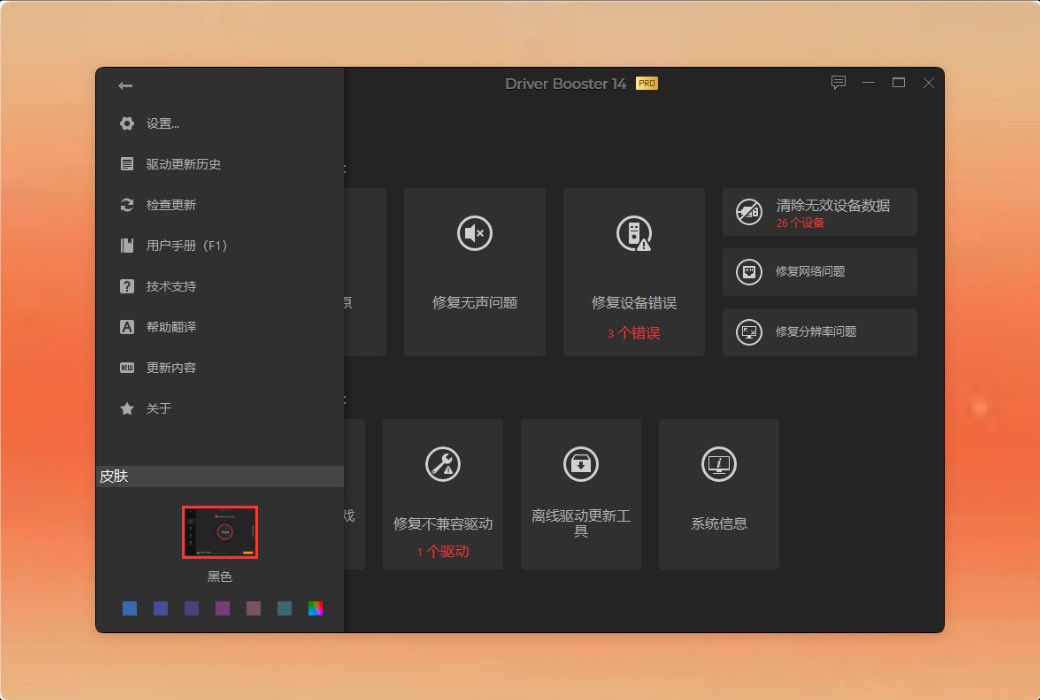
Step 1.Run Driver Booster>& Gt; Click on the left side of the main screentoolModule>& Gt; Click to open "Offline Driver Update".

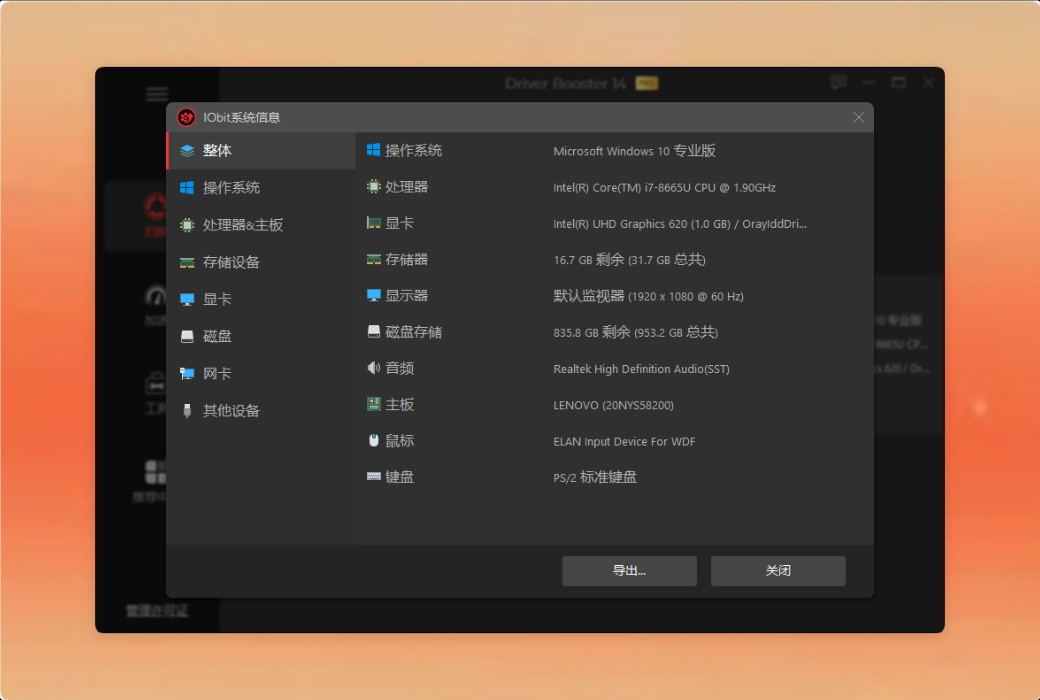
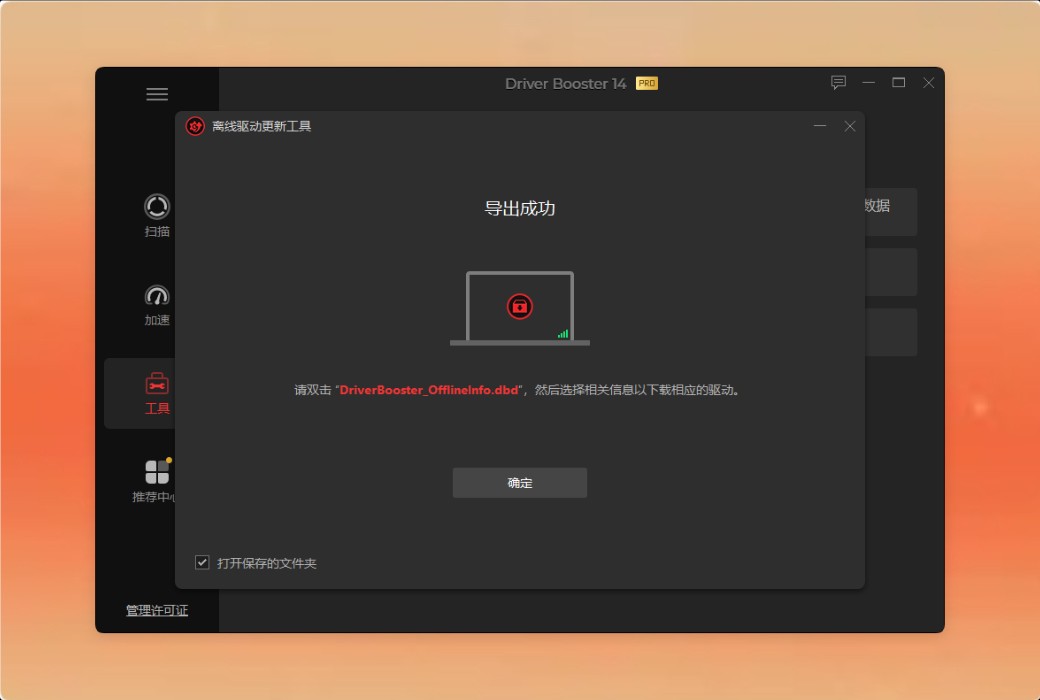
Step 2.Click Export to export the device information of the PC to be upgraded/reinstalled to the file DriverBoosterOfflineInfo.dbd.
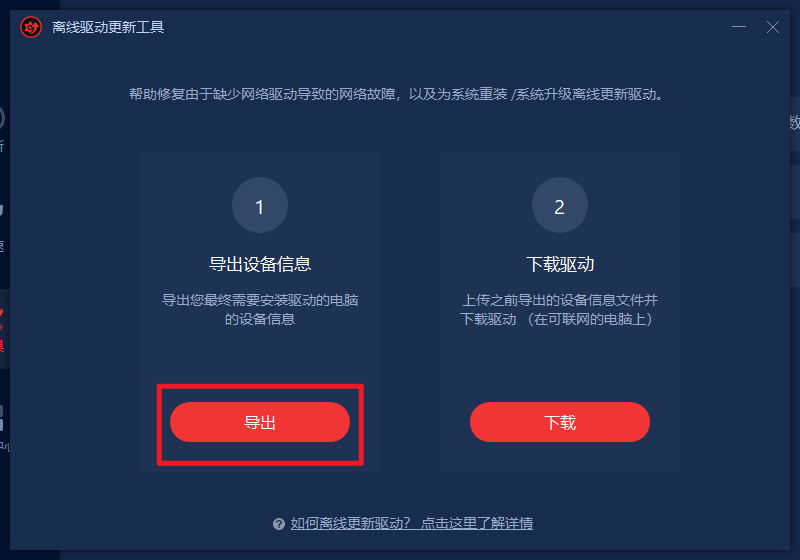
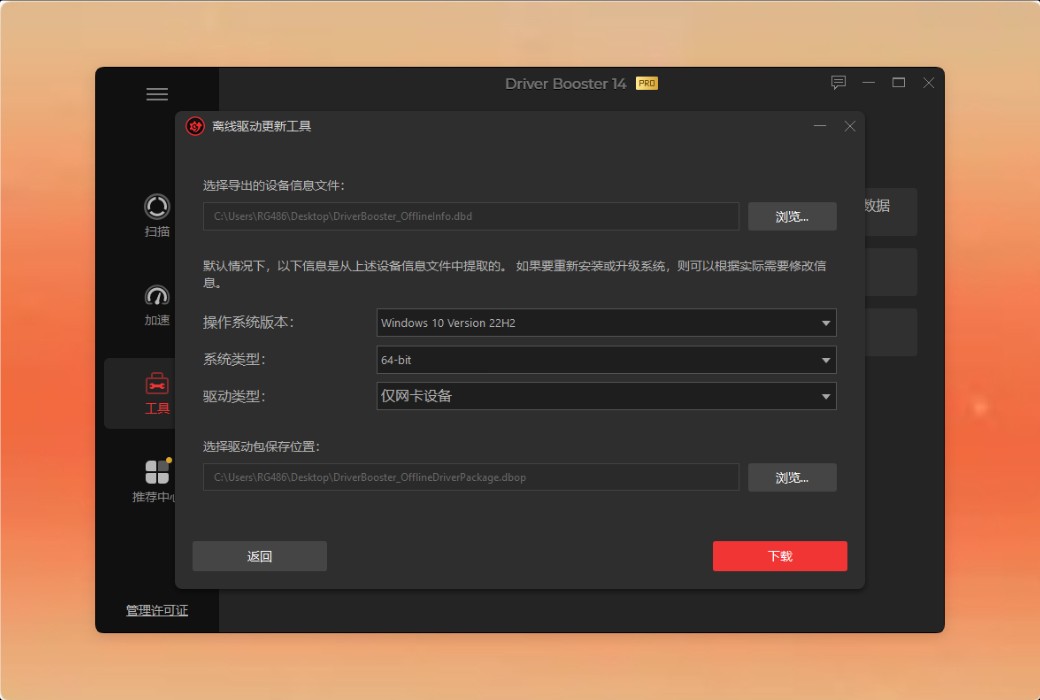
Step 3.Double click on the exported file DriverBoosterOfflineInfo.dbd to open the tool Offline Driver Updater. Then the tool will automatically parse device information for you.
Alternatively, you can click on download in the offline driver update program>& Gt; Click browse to import device information.
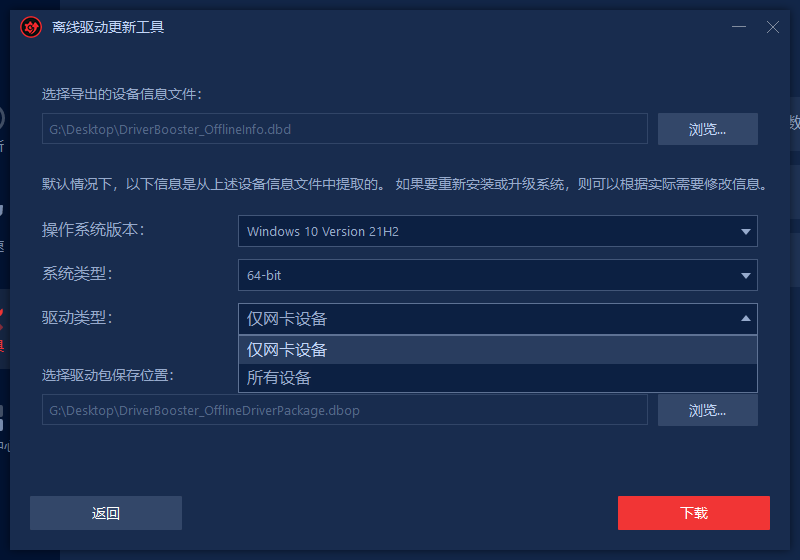
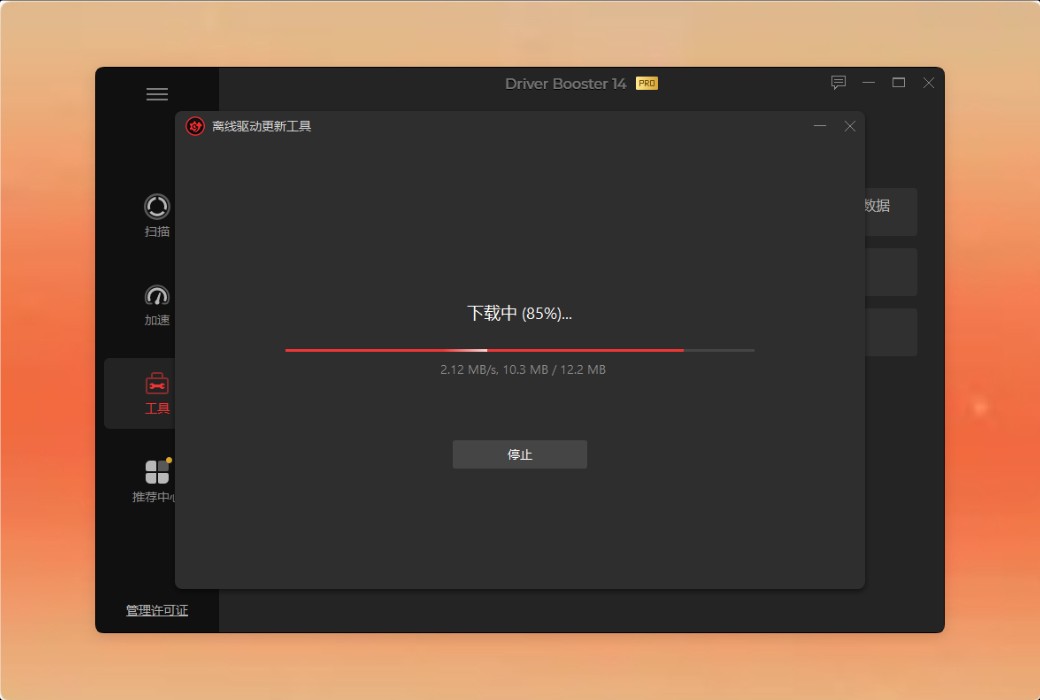
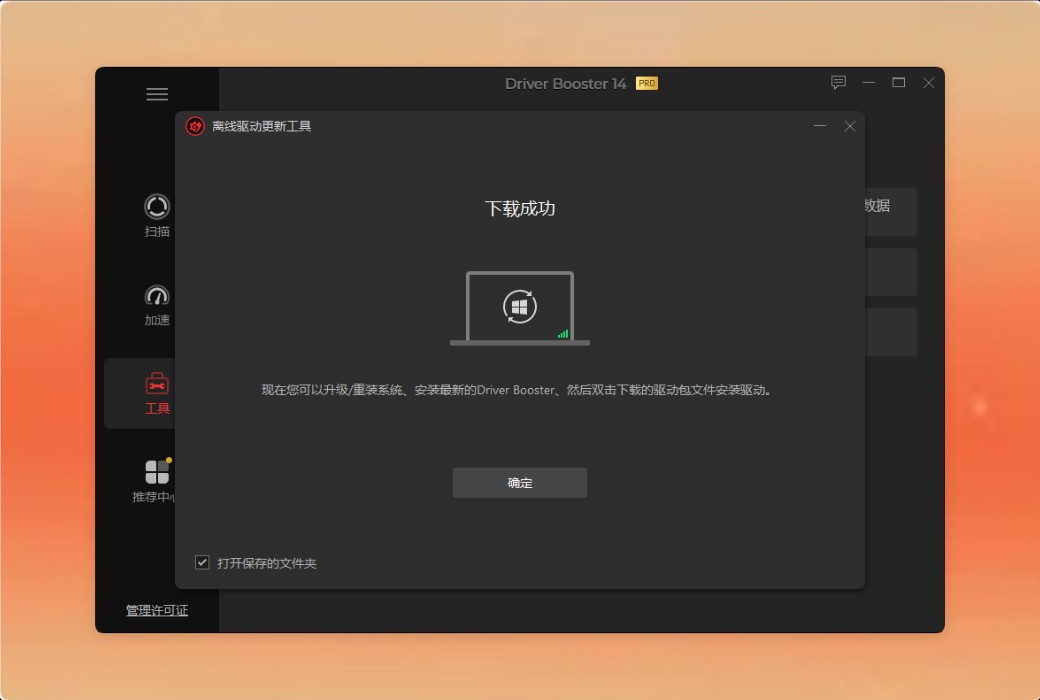
Step 4.Click "Download". Then the tool will automatically complete the remaining processes for you (scanning, downloading, and packaging drivers).
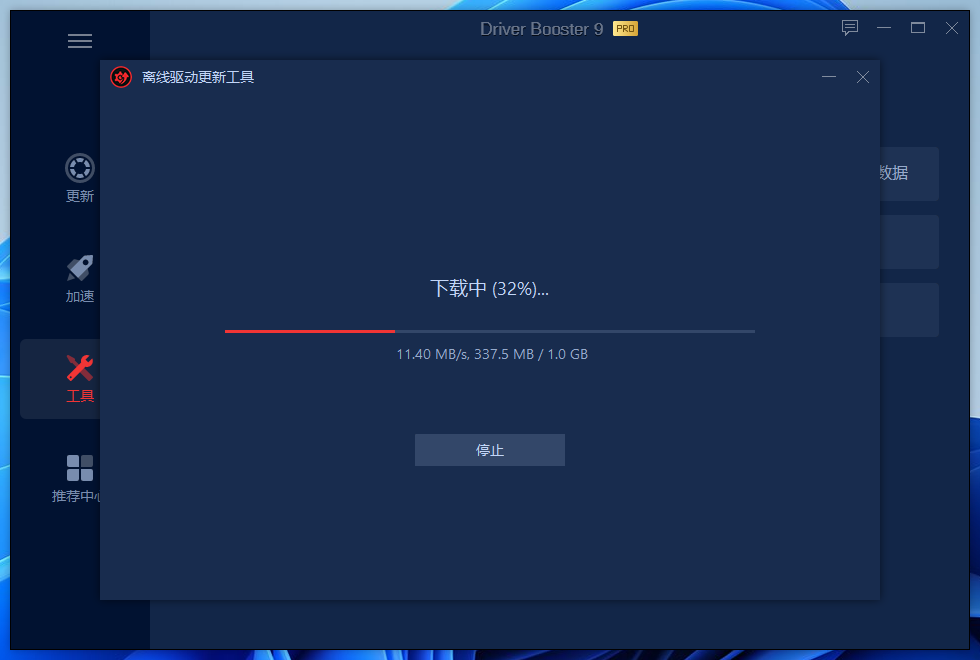
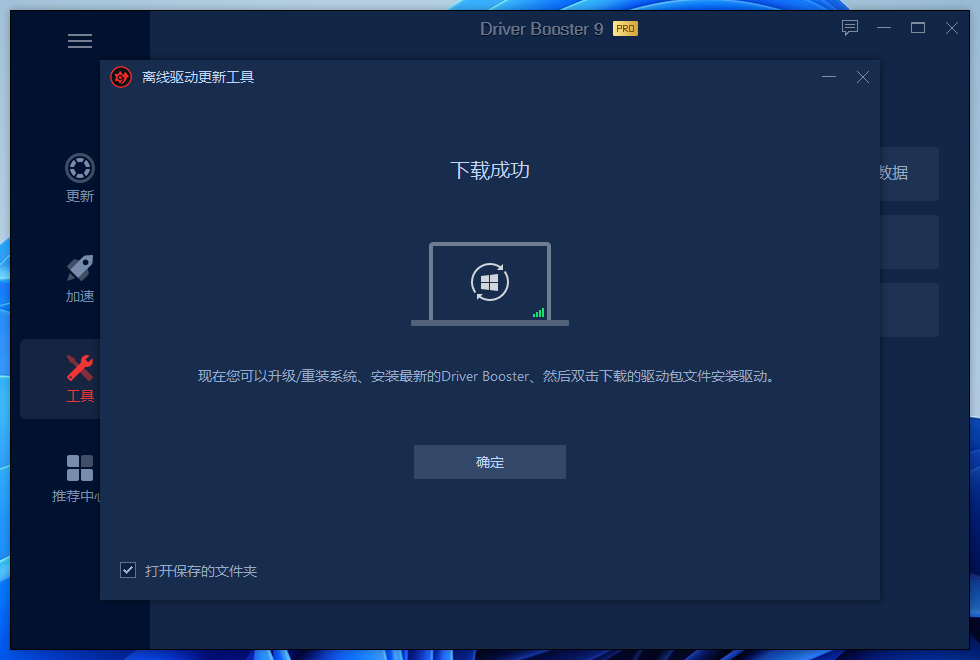
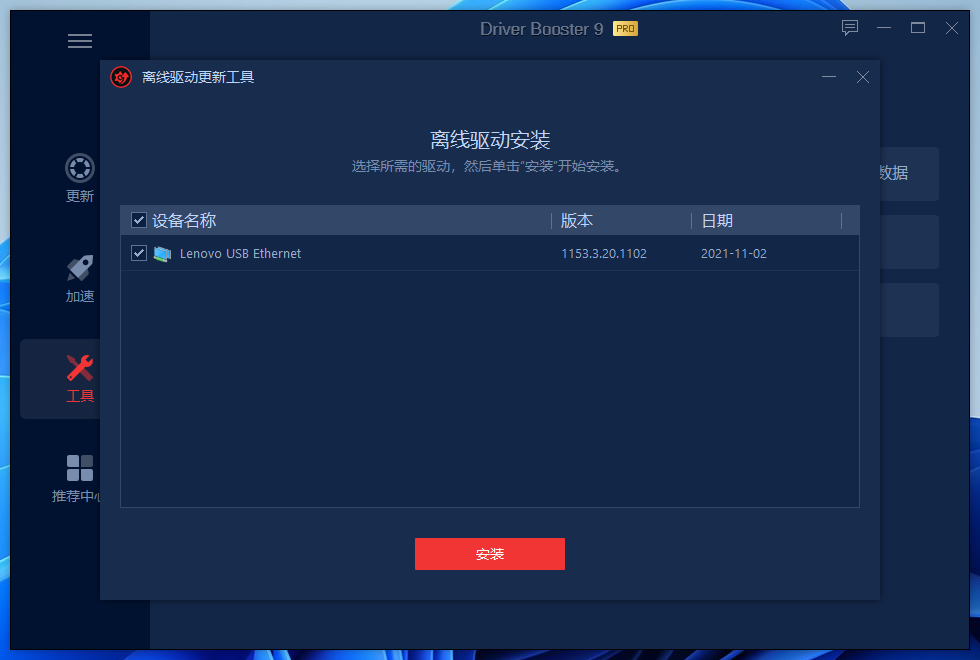
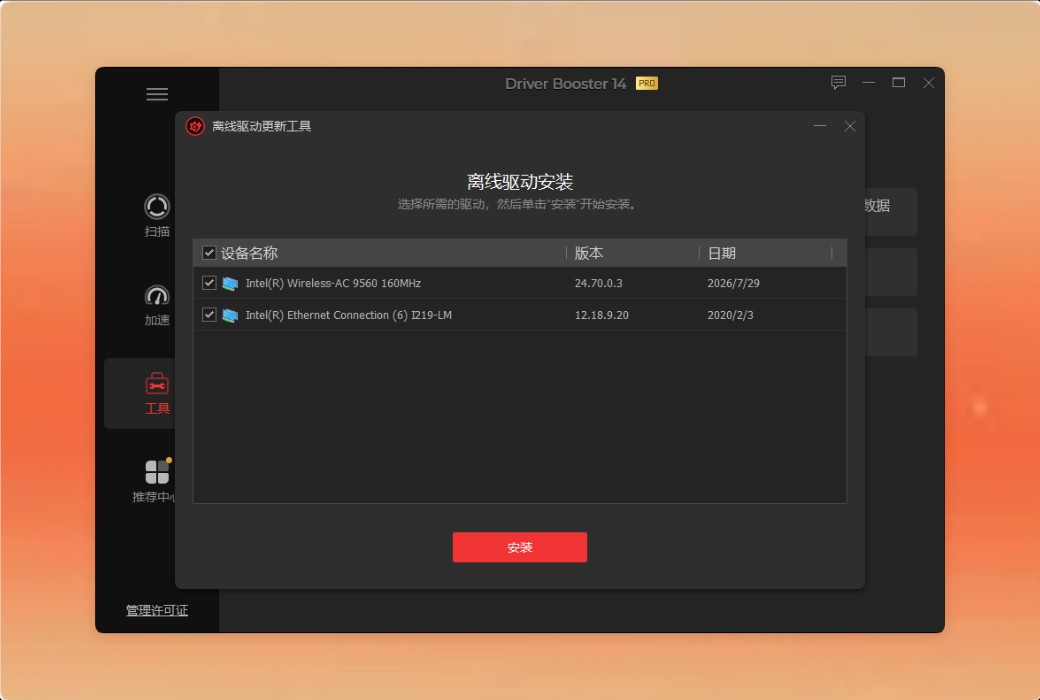
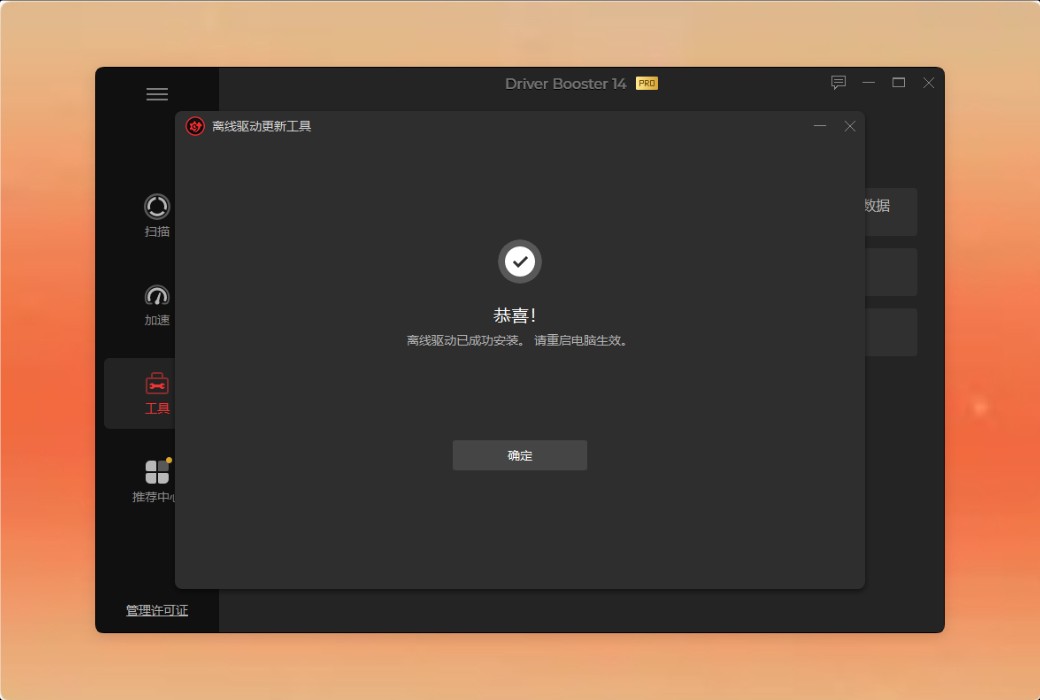
Step 5.Upgrade/reinstall your PC>& Gt; Download the latest Driver Booster> on your upgraded/reinstalled PC& Gt; Go to your driver package save location, double-click on the driver package to open the offline driver installation window>& Gt; Select your driver requirements and click Install to install the driver.
Note: If the driver is not displayed in the window above, it means that the driver you are currently using on this computer is already the latest driver.